Weltrade SyntX Review 2026: 24/7 Synthetic Indices, From PainX and GainX to FiboX
Weltrade SyntX synthetic indices trade 24/7, including weekends. We explain FX Vol, PainX, GainX, FlipX and FiboX, the SyntX account from $1, costs, licence details and risks.
Most markets close at the weekend. Weltrade SyntX does not. SyntX is Weltrade's own family of synthetic indices – instruments that follow mathematical models instead of a real exchange, so they can be traded 24 hours a day, 7 days a week. For traders who like clear, rule-based price behaviour and want to trade when forex is closed, it is one of the most distinctive products in the retail CFD space.
This Weltrade SyntX review explains how the indices work, what each family is designed for, what it costs to trade them, and the licence and risk details to read before you start.
PrimeFXHub review summary
What it is: synthetic indices that simulate real-world asset behaviour using mathematical models
Trading hours: 24/7, including weekends
Leverage: up to 1:10000, according to Weltrade
Spreads: Weltrade says 5–10 times lower than traditional instruments
Volatility: up to 8 times higher than gold (XAU/USD), according to Weltrade
Account: SyntX account from $1, MT5
Provider: Weltrade, in the online trading industry since 2006, with 60k+ traders
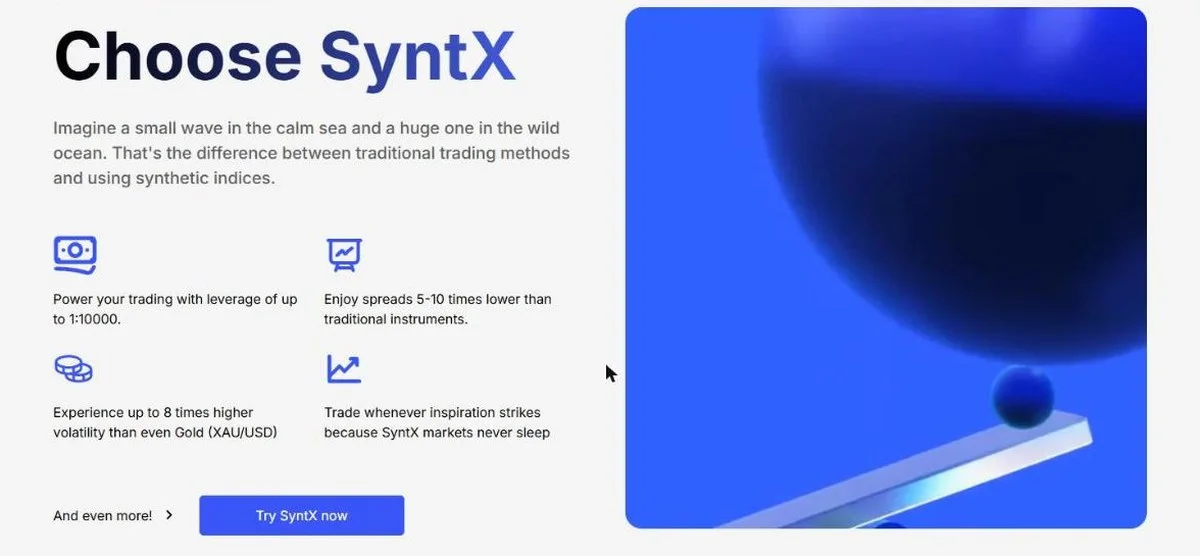
You can open a Weltrade SyntX account from $1 and start on a demo first.
Regulation and client protection
We keep this section strictly factual. Weltrade's website lists the following entities:
Weltrade Ltd. – an International Business Company incorporated in Saint Lucia (Registration No. 2023-00055). This is a company registration, not a financial-services licence.
Weltrade SA (PTY) Ltd – incorporated in South Africa and holding FSP Intermediary Licence No. 50691, Category I – Intermediary Services in respect of derivative instruments, issued by the Financial Sector Conduct Authority.
Danoa Enterprises LTD (Cyprus, HE489250) – payment agent.
On client protection, Weltrade highlights a multi-level security system with 2FA and account verification. Check which entity will hold your account before depositing, and note that the Saint Lucia company is not supervised by a tier-one regulator such as the FCA, ASIC or CySEC.
Costs to check
According to the Weltrade Help Center, the SyntX account has these conditions:
Minimum deposit: $1
Leverage: 1:10000, fixed (it cannot be changed)
Spreads: from 0 pips
Commission: from $3 per lot
Deposits: commission-free
Leverage of 1:10000 means a very small price move can have a large effect on your balance. Start with the smallest position sizes and use stop-loss orders.
Platforms and execution
SyntX is traded on MetaTrader 5. Weltrade organises the indices into families, each with a clearly defined behaviour:
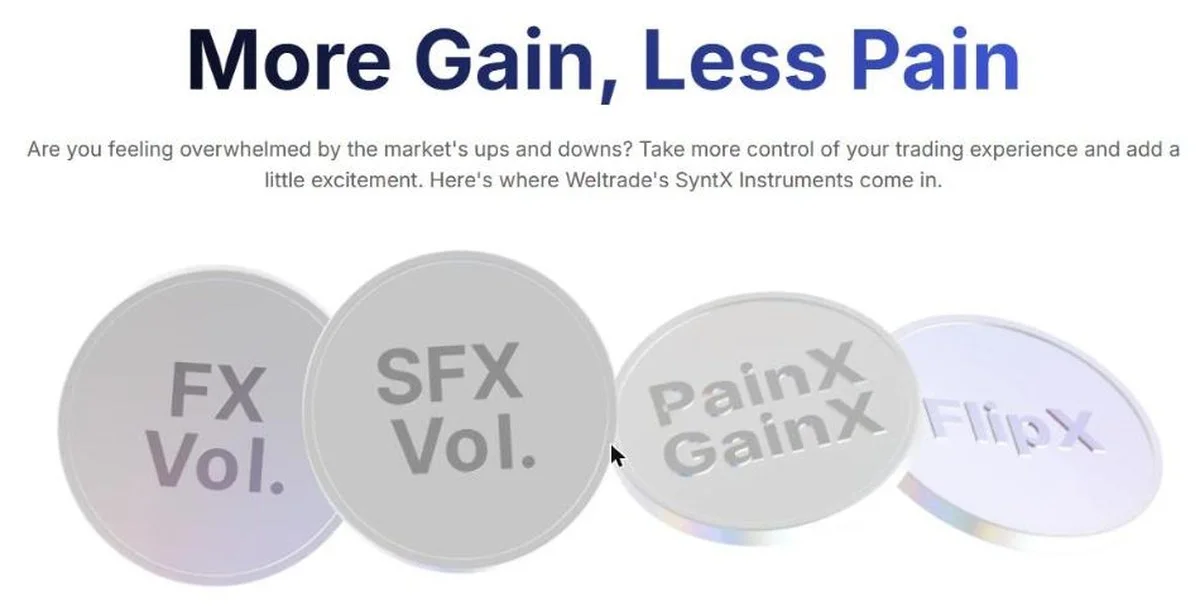
FX Vol. – the number in the name is the yearly volatility (between 20% and 99%)
SFX Vol. – similar volatility range, with a spike up or down every 30 minutes on average
PainX – the price goes only up and occasionally drops (once in 400–1200 ticks)
GainX – the price goes only down and occasionally jumps; both are described as suitable for newcomers and scalpers
FlipX – a 50% chance that the price direction changes at a fixed step; designed for range traders
SwitchX, BreakX and TrendX – indices that change behaviour after a jump or a trend reversal
PlusX, FiboX and QuadX – progression indices that grow in linear, Fibonacci and quadratic steps
MAX PainX and MAX GainX – combination indices with increasing tick sizes and jump probabilities
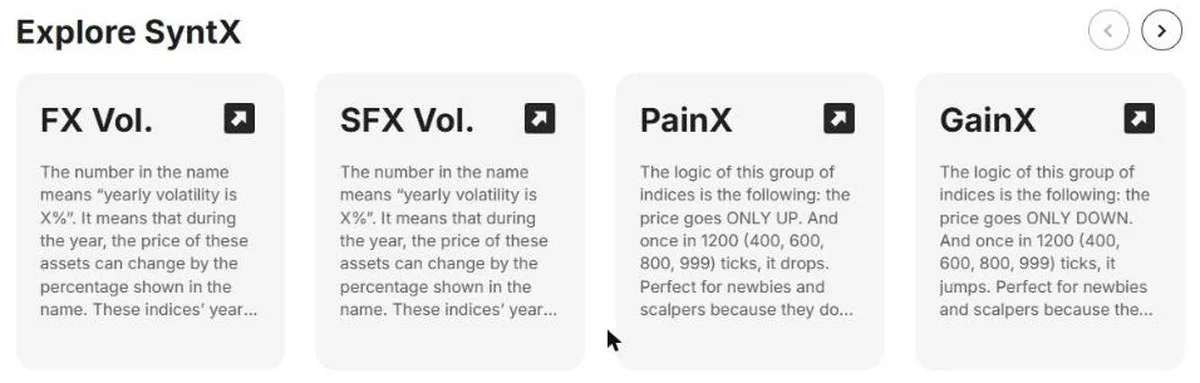
Because every index follows a published rule, you can match an index to your style – trend, range or scalping – and test it on a demo account before trading live. You can explore the Weltrade SyntX indices.
Deposits, withdrawals, and support
Getting started with SyntX takes five steps, as Weltrade describes it:
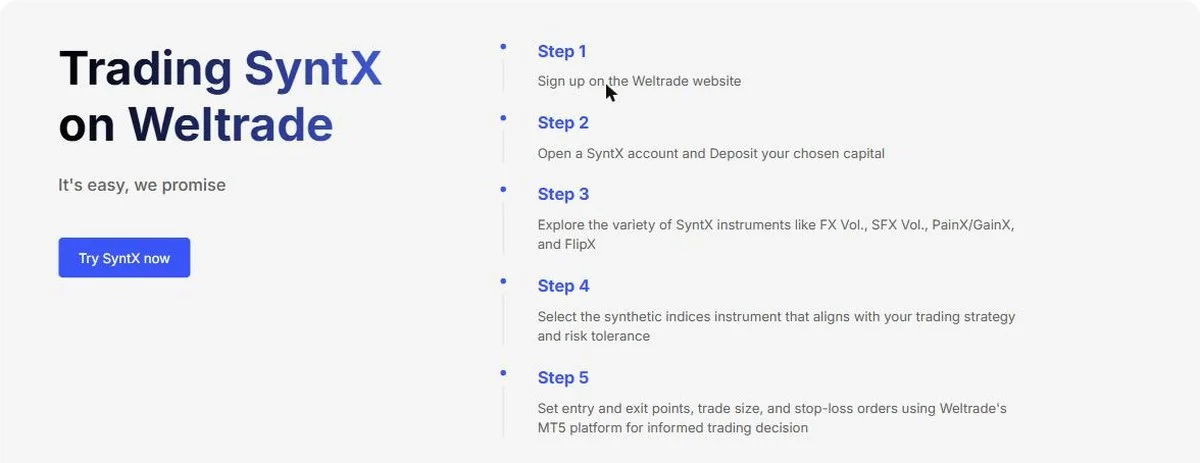
Sign up on the Weltrade website
Open a SyntX account and deposit your chosen capital
Explore instruments such as FX Vol., SFX Vol., PainX/GainX and FlipX
Choose the index that fits your strategy and risk tolerance
Set entry and exit points, trade size and stop-loss orders on MT5
Weltrade offers commission-free deposits, 30+ payment methods and fast withdrawals, with 24/7 support. It also runs a SyntX Trading Competition on a free demo account with a $100,000 total prize pool – a no-deposit way to practise. You can try Weltrade SyntX on demo.
Who may want to research Weltrade SyntX
Traders who want to trade at weekends and outside market hours
Scalpers interested in the one-directional PainX and GainX logic
Range and trend traders who want indices with clearly defined behaviour
Beginners who want to start from $1 and practise on a demo contest
Checklist before you start:
Read the licence details above and confirm your country is not restricted.
Try each index on a demo account first.
Use the smallest lot sizes and always set a stop-loss.
Remember that high volatility and 1:10000 leverage can wipe out a balance quickly.
Risk warning
Weltrade services are not available to residents of the United States, Canada, the United Kingdom, European Union member states, the Russian Federation, Belarus, India, Iran and North Korea, or jurisdictions under international sanctions or FATF restrictions. If SyntX fits your plan after reading all of this, you can visit Weltrade.